What plant is this, and is it okay?
Take a photo. GreenScan Plant AI names plants, trees, mushrooms and weeds, checks them for problems, and reminds you when to water and feed.
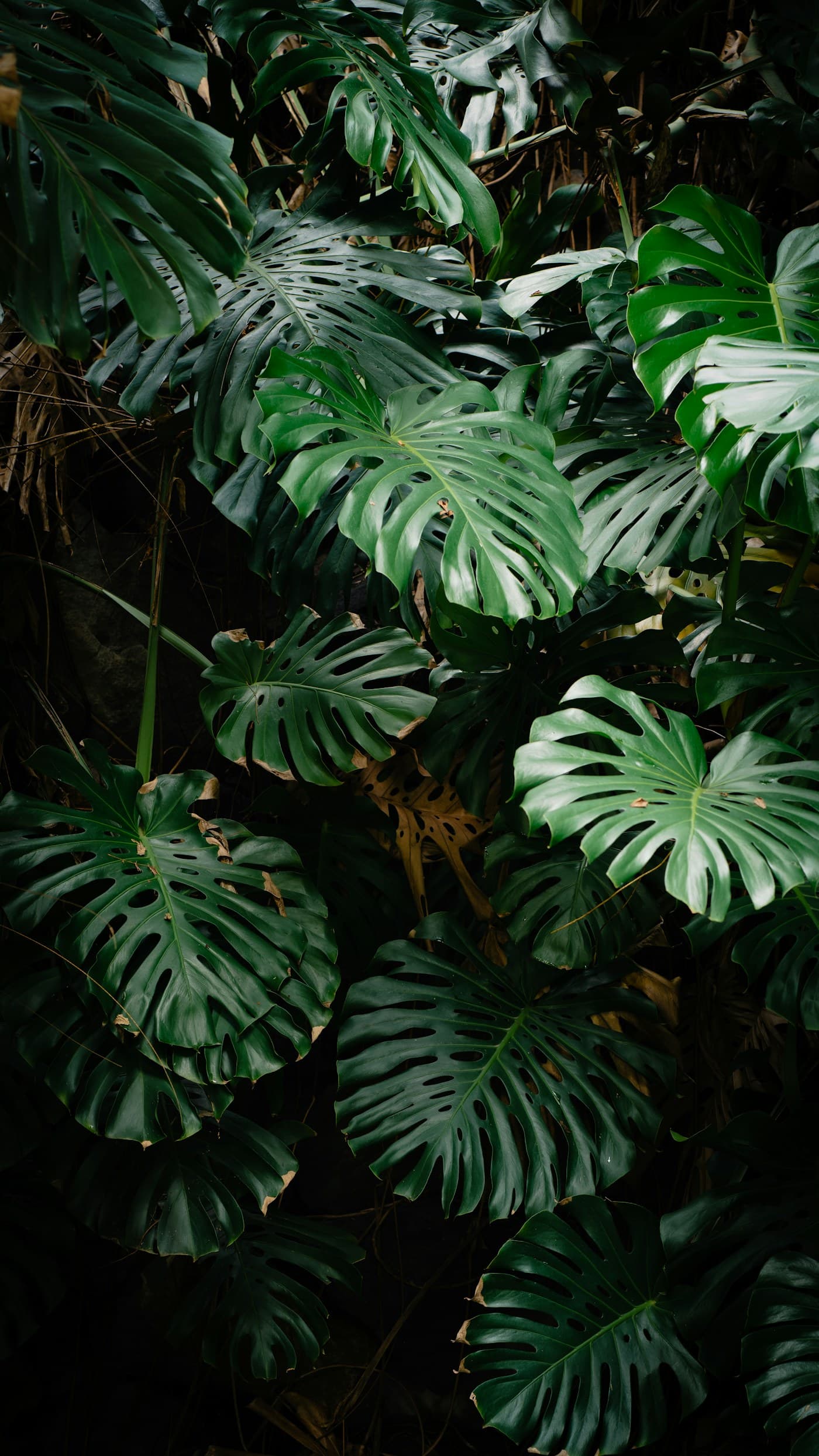
Example result
MonsteraMonstera deliciosa
High confidenceTake a photo. GreenScan Plant AI names plants, trees, mushrooms and weeds, checks them for problems, and reminds you when to water and feed.
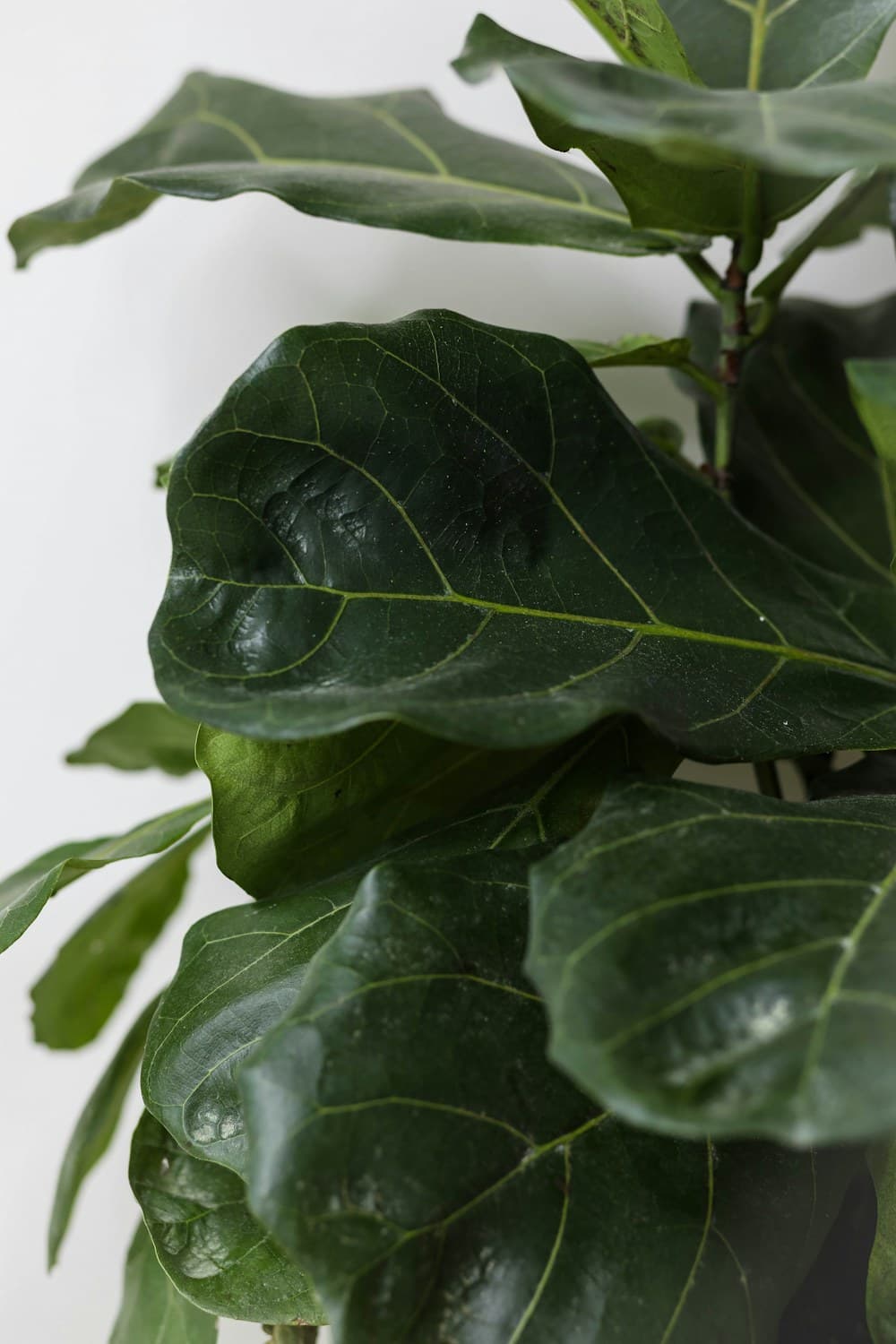
Example result
Fiddle-leaf fig
Ficus lyrata
01Identify
Take a picture or pick one from your gallery. You get the common name, the Latin name, the plant family and its care needs.
You also see how sure the app is. If it isn’t sure, try another photo in better light.
Example result. Real results vary with the photo.
02Health check
Spots, pests, yellowing? Take a photo of the leaf or the whole plant. GreenScan looks for signs of common problems, tells you the likely cause and gives you a simple plan to help it recover.
Add the plant to your garden and the app reminds you to follow the treatment and recheck it. Treat it as a second opinion, not the final word.
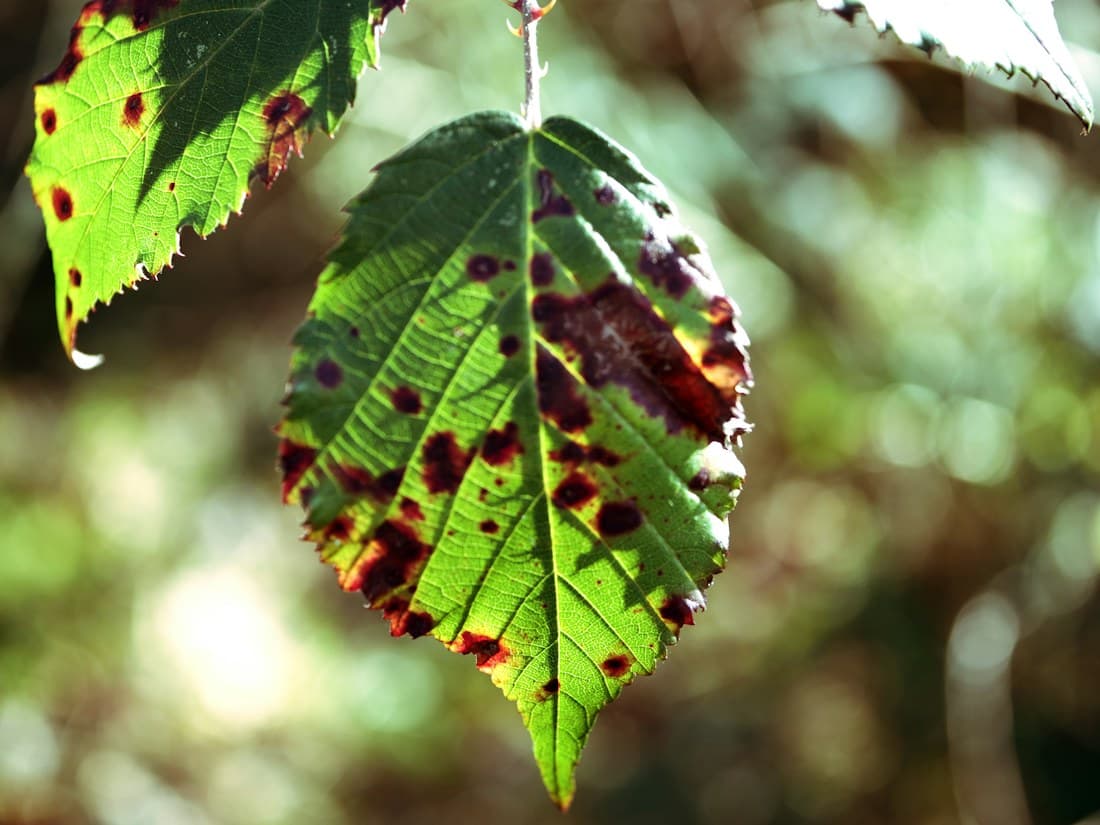
Possible issue
Leaf spot
03Ask Botanist
Type a question or start a voice call. Add a photo from your gallery, a document, or a plant from your garden so it knows what you mean.
Ask Botanist is an AI assistant. It answers in plain words, and your old chats stay in your history. It can be wrong, so double-check anything that matters.
Why is this leaf going yellow?
If it’s the older, lower leaves, that’s often just age. Too much water is the next most common cause.
If new leaves are turning yellow too, look at light and feeding.
How often are you watering it, and does the pot drain?
04Garden care
Save your plants to My Garden, group them by room and keep a diary. GreenScan plans reminders to water, mist and feed each plant, and to follow up on any treatment.
Tasks show what needs care today, and Snap History keeps every scan. The timings are estimates, so push a finger into the soil before you water.
05More in the app
See when a plant is likely due for water. It’s estimated from your care schedule, not a soil sensor.
Point your camera at a spot to see if it’s Low, Medium or Bright. A quick read, not a lux number.
Notes on common houseplants that can upset pets or small children. A guide to read, not a scan.
Short guides for common problems and everyday care, right on the home screen.
A quick summary of your plants and scans, so you can see your garden at a glance.
A short plant quiz for when you want to learn something new.
Also: share any result, keep a wishlist in Snap History, and switch between light and dark mode.
Good to know
GreenScan helps you look closer. You still know your plants best.
Every result shows how sure the app is. Never eat a plant or a wild mushroom, or decide something is safe for pets, because an app said so.
It points out likely problems and simple things to try. Some plants don’t recover, whatever you do.
Reminders and the Water Meter come from your care schedule. Light, pot size and the season change how fast soil dries, so check the soil first.
Identify, health checks and Ask Botanist run on our servers, so you need a connection.
Scans and Ask Botanist chats have a daily limit. If you reach it, try again tomorrow.
It reads Low, Medium or Bright from your camera. It isn’t a lux meter.
Each result shows how sure the app is. Clear, close photos in good light work best. It can still be wrong, so double-check anything that matters, especially before treating a plant or deciding something is safe.
Android phones, from Google Play. There’s no iPhone version yet.
Yes. Sign in with Google, or with your email and a 6-digit code we send to confirm it. Your garden then syncs to your account.
Yes, the scanner has modes for plants, trees, mushrooms and weeds. Never eat a wild mushroom or plant because an app named it. Ask a local expert.
Photos you use for Identify, the health check or Ask Botanist are sent to our service to get you an answer. Plant photos you keep in your garden stay on your phone.
English for now.
In the app, go to Profile → Privacy → Delete account. This removes your account and the data synced to it.